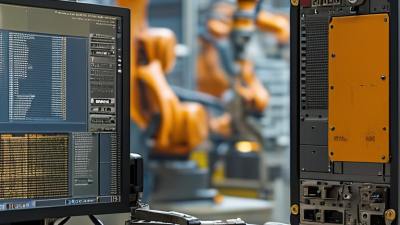
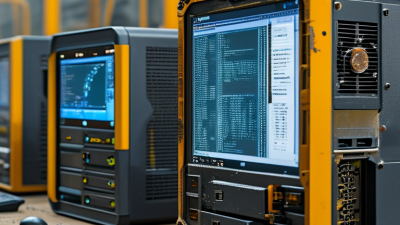
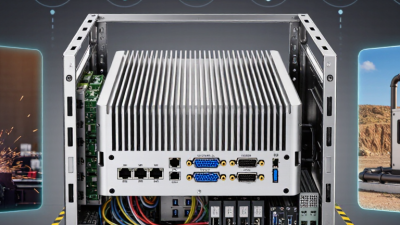
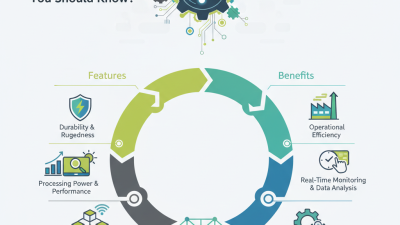
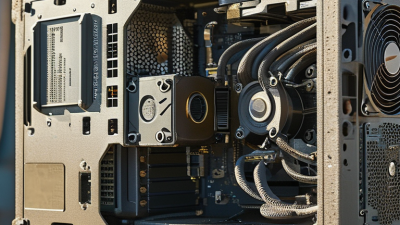
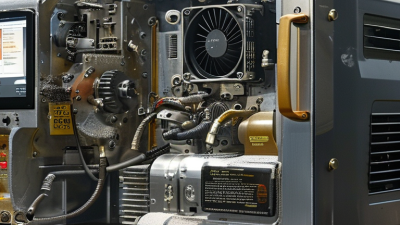
Industrial computer systems are the quiet infrastructure behind modern production. They control robotic arms, monitor temperatures, process machine-vision images, and keep operators connected to critical equipment. Unlike office computers, they must survive vibration, dust, heat, electrical noise, and continuous operation.
Roland Busch, President and CEO of Siemens, said, “The industrial metaverse will enable companies to solve real-world problems in the virtual world.” His observation reflects a wider shift toward connected industrial computing. An industrial computer system now supports both physical control and digital decision-making. However, connectivity alone does not guarantee reliability. Engineers must still examine processor performance, enclosure design, cooling, operating systems, expansion options, cybersecurity, and long-term service support.
This guide examines the top 10 types of industrial computer systems used across factories, warehouses, energy sites, transportation networks, and process plants. The list includes rugged computers, fanless box PCs, panel PCs, rackmount systems, embedded computers, edge devices, DIN-rail computers, and industrial human-machine interfaces. Each type solves a different problem. Some prioritize compact installation. Others provide stronger processing power or easier maintenance.
There is no universal winner.
A fanless computer may reduce dust intake, but passive cooling can limit performance. A rackmount system offers expansion, yet it consumes valuable cabinet space. These trade-offs matter in real facilities, where a few degrees of heat or a delayed replacement can affect production. The following overview combines practical selection criteria with technical context, while recognizing one uncomfortable truth: industrial hardware is often chosen too quickly. Better decisions begin with the operating environment, not the product brochure.
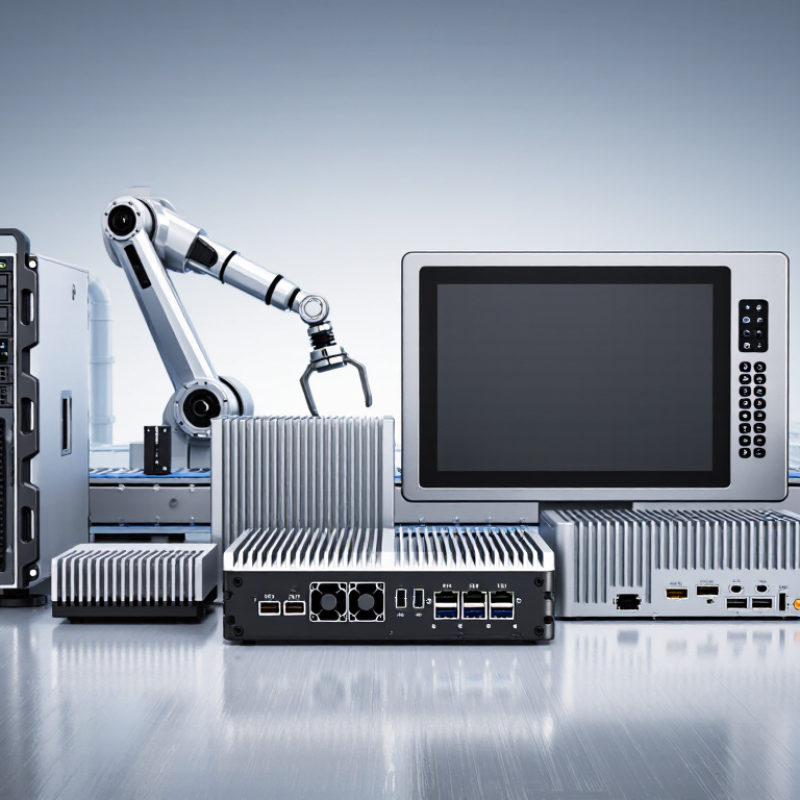
Embedded control systems turn machine commands into repeatable action. A PLC handles discrete tasks, such as stopping a conveyor when a guard door opens. A PAC can coordinate motion, process data, and communicate across several machine cells. An industrial PC supports applications that need richer interfaces, databases, or machine-vision processing. The choice depends on the task, the environment, and who will maintain it.
The International Federation of Robotics reported 4,281,585 industrial robots operating worldwide in 2023, a 10% increase over 2022. That figure signals growing automation, though it does not measure PLC or PAC installations directly. More automated equipment means more control decisions—and more attention to response time, network resilience, and safe shutdown behavior. On a factory floor, heat, vibration, electrical noise, and a dusty cabinet can matter as much as processor speed. Keep the control logic understandable. A clever system is not always an easy one to repair at 2 a.m. In practice, teams sometimes overbuild; I have seen simple fault messages become hard to interpret. That deserves a second look. Independent checks and clear maintenance records help keep the system dependable.
Operator interfaces and distributed control systems (DCS) make industrial computer systems usable on the plant floor. An operator interface turns sensor readings into clear alarms, trends, and controls. A DCS coordinates controllers across process areas, keeping local operations running even when one station needs attention. Picture a control-room screen showing tank temperature, pump status, and a rising pressure alarm. That view is only useful when operators can identify the urgent signal quickly.
Deloitte’s 2024 Smart Manufacturing Survey found that 92% of surveyed manufacturing executives expect smart manufacturing to drive competitiveness over the next three years. This is a broad industry finding, not proof that a particular interface improves safety or output. Good design still matters: use consistent alarm colors, readable labels, and clear operating limits. NIST’s Guide to Operational Technology Security, SP 800-82 Rev. 3, emphasizes that OT systems interact with physical processes, so design must account for reliability and safety. Screens can still confuse people. That deserves review.
Tips: Test interface layouts with the operators who use them during real shifts. Check alarm wording, navigation, and response steps under realistic conditions. Keep critical controls visible, but avoid crowding the display.
| System type | Primary role | Typical operator interface | Typical architecture | Common applications | Key considerations |
|---|---|---|---|---|---|
| Industrial HMI panel | Displays process status and provides local control for a machine or cell. | Touchscreen with graphical screens, alarms, and basic trends. | Panel-mounted terminal communicating with a PLC or controller. | Packaging lines, pumps, conveyors, and standalone machines. | Check enclosure rating, temperature range, screen visibility, and communication support. |
| Industrial panel PC | Runs HMI or supervisory software directly at the production area. | Integrated touchscreen, with optional keyboard or pointing device. | Ruggedized computer integrated into a machine panel or operator station. | Machine control, local visualization, and data collection. | Consider fanless operation, storage type, service access, and lifecycle support. |
| Operator workstation | Provides a central station for monitoring and operating industrial processes. | Desktop display or multiple monitors running HMI or SCADA software. | Computer connected to control-system networks and operator applications. | Control rooms, utilities, and production-area supervision. | Plan for access control, display ergonomics, network separation, and backup procedures. |
| DCS operator station | Lets operators supervise and adjust processes managed by a distributed control system. | Process graphics, alarm summaries, faceplates, and trend displays. | Operator client connected to DCS servers and controllers over a control network. | Continuous-process facilities such as chemical, power, and water plants. | Use validated system configurations and reliable, controlled network access. |
| Engineering workstation | Supports configuration, diagnostics, and maintenance of control applications. | Engineering and diagnostic tools, often with project and configuration utilities. | Privileged computer with controlled access to engineering services and controllers. | System commissioning, controller configuration, and planned maintenance. | Restrict access, manage software versions, and maintain tested project backups. |
| DCS controller | Executes control strategies and processes input from field instruments. | Usually operated indirectly through DCS operator stations. | Controller nodes distributed near process areas and connected to I/O modules. | Regulatory control, sequencing, and coordination of continuous processes. | Assess redundancy, I/O capacity, network resilience, and recovery behavior. |
| Industrial edge computer | Processes or filters machine data near its source before sending selected information onward. | Typically configured remotely; may provide a local maintenance interface. | Rugged computer connected to equipment networks and, where permitted, higher-level systems. | Protocol conversion, local analytics, and condition monitoring. | Separate data-processing functions from real-time control unless specifically engineered otherwise. |
| Industrial application server | Hosts shared services such as HMI applications, alarm handling, or supervisory software. | Serves operator clients rather than acting as the primary local interface. | Centralized physical or virtual server on a managed operations network. | Multi-station operations and shared supervisory applications. | Plan capacity, redundancy, patching, backups, and recovery testing. |
| Process historian server | Stores time-stamped process values for trends, reporting, and analysis. | Accessed through trending, reporting, or analysis clients. | Server collects data from control systems and provides authorized access to users. | Production review, process troubleshooting, and operational reporting. | Define retention, collection rates, time synchronization, and data-access controls. |
| Thin-client operator terminal | Provides a user station while applications run on centralized servers. | Local display, keyboard, and pointing device connected to a remote desktop or session. | Endpoint communicates with a server over a managed network. | Shared control rooms and locations where simplified endpoint maintenance is useful. | Evaluate network availability, session recovery, server capacity, and local operating needs. |
SCADA systems supervise pumps, motors, valves, and sensors across industrial sites. Operators see pressure trends, alarm states, and equipment status on control-room screens. A typical system collects field data through remote units and programmable controllers. It then presents usable information through a human-machine interface. During a night shift, a clear alarm can prevent a small pressure change from becoming equipment damage. Good SCADA design depends on accurate tags, reliable time stamps, and carefully tested alarm limits.
Industrial computing servers provide the backbone behind this visibility. They may host supervisory software, data historians, engineering tools, and secure user access. In a water facility, one server can record flow readings every few seconds for later analysis. Redundant servers can reduce downtime when hardware fails. However, redundancy is not magic. Poor configuration, weak backups, or mismatched software can still stop operations. Engineers should document recovery steps and test them during planned maintenance windows.
Environmental details also matter. Servers may operate near vibration, dust, heat, or unstable power. Industrial enclosures, filtered airflow, uninterruptible power, and monitored temperature sensors improve resilience. Network separation limits unnecessary traffic between business and control environments. Regular patch planning remains important, but rushed updates can create new faults. I have found that simple diagrams often reveal overlooked dependencies. The design may look complete. It rarely is.
Top 10 Types of Industrial Computer Systems
Rugged Mobile and Panel Computers for Factory Operations
Factory operations need computers that survive more than office conditions. Rugged mobile computers support inspections, warehouse movement, and maintenance rounds. Their sealed housings resist dust, splashes, vibration, and accidental drops. Bright displays remain readable beside conveyor lines and loading bays. Operators can scan parts while wearing gloves. That small detail matters.
Panel computers serve fixed workstations near machines and production cells. They mount into control cabinets, stainless-steel tables, or operator consoles. A fanless design reduces dust intake and mechanical noise. Touchscreens provide quick access to production dashboards, recipes, and equipment status. However, touch input can fail when gloves are wet or heavily soiled. Physical controls may still be necessary.
Reliable deployment requires more than a tough enclosure. Check operating temperature, ingress protection, mounting depth, screen brightness, and available ports. Confirm that the system supports the plant’s software and network security rules. Cable routing also deserves attention. Poor routing causes preventable damage.
In daily use, battery life influences mobile productivity more than advertised processing speed. Spare batteries and charging points can prevent interruptions. I have seen teams over-specify processors while overlooking cleaning procedures and service access. That choice creates avoidable costs. Rugged systems are strong, but they are not maintenance-free. Regular inspection remains essential.
Machine Vision Computers for Automated Inspection
Machine vision computers turn camera images into inspection decisions at production speed. They capture frames, run image-processing software, and send results to equipment such as reject gates or line controllers. A stable system can spot a missing screw, a scratched surface, or an incorrect label before the product leaves the station. Small details matter.
In practice, image quality depends on more than computing power. Lighting angle, lens choice, vibration, and exposure time can change what the camera sees. A computer with suitable processing performance, reliable I/O, and enough memory helps keep results consistent, but it cannot rescue a poorly lit image. That part is easy to underestimate.
For a fast conveyor, engineers may need to process several camera streams with little delay. They should test the full workflow using real products, including damaged items and normal variations. Dust, heat, and electrical noise also affect installation choices; sealed enclosures and secure connectors may be necessary. Yet no setup stays perfect forever. Camera focus can drift, and a threshold that worked last month may miss a new surface finish. Regular checks are practical, even if they interrupt the line. A clear record of image samples, decisions, and maintenance changes makes later troubleshooting less guesswork.