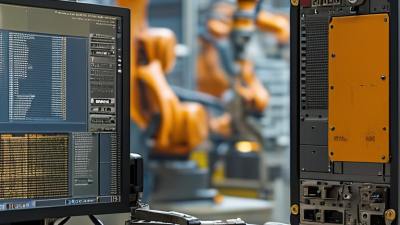
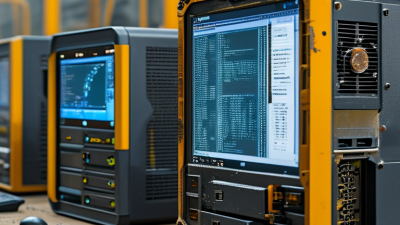
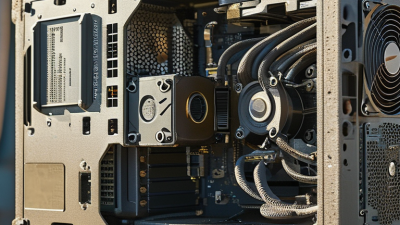
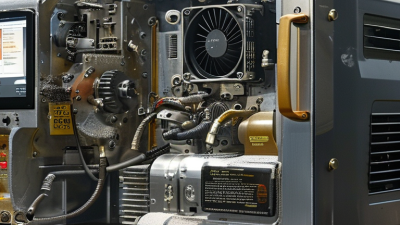
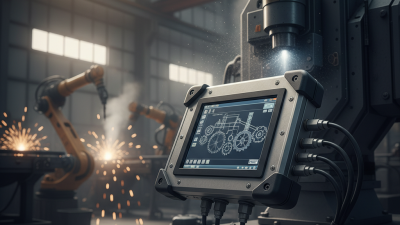
What Is the Best Industrial Computer System in 2026? The answer depends on the environment, workload, and expected service life. A system used beside a robotic welding cell faces heat, vibration, metal dust, and electrical noise. A control cabinet at a remote pumping station needs different strengths. Reliability is never a single specification.
A capable industrial computer system should combine fanless cooling, wide-temperature operation, strong processors, secure boot, and long product availability. It should also provide practical connections, such as Ethernet, serial ports, USB, and fieldbus support. These details matter when technicians work inside a crowded cabinet at 2 a.m. The best system should be easy to monitor, replace, and maintain. Paper specifications alone cannot prove that.
Joe Weiss, a longtime industrial control systems cybersecurity specialist, states a crucial principle: “You cannot secure what you do not understand.” His warning applies directly to industrial computing. Buyers must examine firmware controls, software support, network segmentation, and vendor response procedures. They should request test data, lifecycle commitments, and references from similar facilities. Independent certifications can help, but they do not replace field experience.
There is no universal winner. That is the uncomfortable part. A powerful edge computer may be wasteful for simple data collection. A low-cost box may become expensive after repeated failures. Even careful evaluations can miss a weak driver, delayed replacement, or poorly documented update. This guide compares leading 2026 options using performance, durability, cybersecurity, maintainability, and total ownership cost. The goal is not to promote the loudest brand. It is to identify the system that keeps a real operation stable.
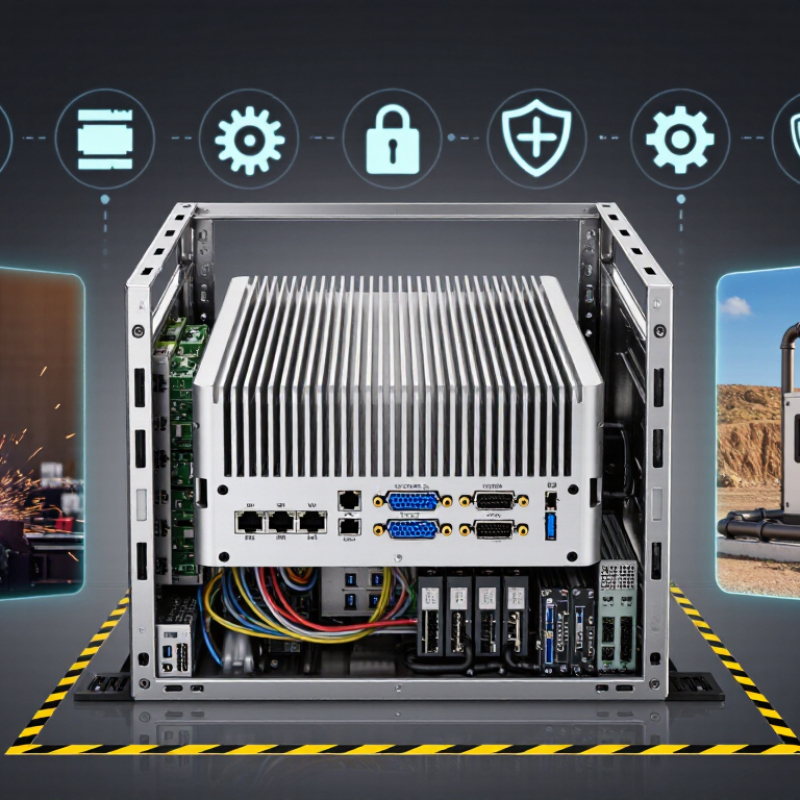
The best industrial computer is not automatically the fastest one. It is the system that matches your workload, site conditions, and uptime expectations. A vision inspection line may need strong graphics processing and fast storage. A machine controller may value low latency, stable drivers, and reliable input connections instead. In real deployments, engineers often discover that excess performance increases heat, cost, and maintenance risk.
Environment matters just as much. A dusty workshop requires sealed cooling and carefully protected connectors. A control cabinet near motors may need stronger vibration resistance and electrical noise protection. Wide temperature support is useful, but published ratings must be checked against actual airflow and installation space. A computer rated for continuous operation still needs clean power, suitable ventilation, and scheduled inspection. We have seen stable systems fail because a cabinet filter was ignored.
Tips: Measure the workload during peak production, not during a quiet test. Check processor usage, memory pressure, storage writes, and network delays. Request evidence from temperature, vibration, and endurance testing. Keep spare storage and power components when downtime is expensive. Also, question every specification. A higher number is not always better, and some requirements may be based on habit rather than evidence. Pilot testing in the real cabinet remains imperfect, but it exposes problems that laboratory results can miss.
The best industrial computer is not the most powerful one. It is the system that matches its workload. Edge-AI inspection needs a capable GPU, fast memory, and strong data movement. A motion controller needs predictable CPU timing, stable drivers, and low communication latency. These needs can conflict.
For real-time control, choose a CPU with enough cores for logic, diagnostics, and networking. Avoid excessive core counts if they increase heat without improving response. Edge-AI tasks often benefit from a dedicated GPU or accelerator. Size it for the model, image resolution, and required frames per second. RAM should hold the operating system, software, and active data without constant swapping. Storage should use industrial-grade endurance and enough capacity for logs, models, and temporary images. Fast storage helps, but write reliability matters more.
Tips: Test the complete system beside the machine, not only in a clean laboratory. Measure temperature, inference delay, control jitter, and recovery after power loss. Keep spare capacity for future software updates. I have seen systems fail because storage was fast but undersized. That mistake is easy to miss. Fanless cooling can improve reliability, yet it may reduce peak performance in a sealed cabinet. Review the thermal design carefully. Also check remote maintenance, secure updates, vibration tolerance, and long-term component availability before deployment.
The best industrial computer system is not defined by processing speed alone. Its enclosure, thermal design, and maintenance records matter more in harsh facilities. Start by verifying a minimum 50,000-hour MTBF. MTBF means Mean Time Between Failures. It is a statistical estimate, not a guaranteed service life or warranty. Ask how the figure was calculated. A vague laboratory claim should not be accepted without test conditions, component temperatures, and failure assumptions.
Protection ratings need equal attention. IP65 indicates protection against dust and water jets. IP67 adds temporary immersion protection under specified test conditions. These ratings describe the enclosure, not necessarily every cable gland, connector, or installed accessory. Check the complete assembly. A loose unused port can undermine an excellent housing. This is easy to overlook.
Temperature performance should cover at least -40°C to 70°C when the site demands it. Confirm whether this range applies to continuous operation, startup, or storage. Review derating charts, because processors may reduce speed near thermal limits. Request evidence from thermal cycling, vibration, and ingress tests.
Independent reports improve confidence, though they may still have limitations. In field installations, inspect seals after maintenance and record cabinet temperatures. A system can meet specifications on paper and perform poorly after repeated servicing. That uncomfortable possibility deserves attention. Reliability is verified through evidence, not impressive numbers.
What makes the best industrial computer system in 2026? Security evidence, not processor speed. In a plant, one compromised gateway can interrupt a filling line, expose recipes, or falsify sensor readings. IEC 62443 offers a practical framework for examining this risk. It separates asset owners, product suppliers, and service providers. That separation matters during procurement.
I would inspect security levels, documented risks, and update procedures. Under IEC 62443-4-1, secure development should include threat modeling, tested updates, and vulnerability handling. IEC 62443-4-2 helps assess capabilities such as identification, access control, system integrity, and restricted data flow. Ask for test records, not polished claims. A signed firmware image is useful, but its trust chain must reach the boot process. TPM 2.0 can protect cryptographic keys and support measured boot. It does not secure a computer by itself. This is often misunderstood.
A credible evaluation includes a live check. Disconnect the maintenance port, verify logging, and test whether unauthorized firmware loads are rejected. Review default accounts, patch windows, physical access, and recovery steps. Keep TPM measurements protected. Ask how operators recover after a failed update. The answer may reveal more than a compliance certificate. No system is perfect. Strong controls can weaken through rushed configuration or forgotten credentials.
What Is the Best Industrial Computer System in 2026?
The best industrial computer is rarely the fastest model. It is the system that keeps production stable for five to ten years. Total cost of ownership includes purchase price, engineering time, energy use, downtime, upgrades, and replacement parts. Uptime Institute’s 2024 Global Data Center Survey reported that 54% of respondents experienced an outage costing more than $100,000. Factory downtime can create similar pressure, especially when one computer controls inspection, motion, or data collection.
Lifecycle support deserves equal attention. Check whether the supplier publishes a five-year availability statement, long-term BIOS updates, driver revisions, and repair targets. Ask for written evidence, not confident promises. Parts should remain available while the machine is operating, not only during its warranty period. The International Federation of Robotics reported 541,302 industrial robots installed worldwide in 2023. That expanding installed base makes platform compatibility increasingly valuable.
Compare systems using a simple five-year worksheet. Record purchase cost, installation labor, software migration, electricity, spare units, and estimated downtime. Then extend the model to ten years. A low-cost computer may become expensive after an operating-system change or unavailable replacement board. I have seen specifications look excellent, while documentation remained vague. That should reduce confidence. Fanless cooling, sealed enclosures, wide-temperature operation, and remote diagnostics may cost more upfront. They can still reduce service visits in dusty control cabinets. No worksheet is perfect. Local technicians, environmental conditions, and integration quality can change the result.
| System Class | Typical 2026 Purchase Price | Typical Power Draw | Environmental Capability | Estimated 10-Year TCO per System | Expected Service Life | Typical Vendor Support Horizon | Spare Parts Availability | Best-Fit Application | Overall Lifecycle Value |
|---|---|---|---|---|---|---|---|---|---|
| Fanless Industrial Edge Computer | USD 900–2,500 | 15–45 W | Approximately −20°C to +60°C; vibration-resistant chassis; limited moving parts | USD 2,400–5,800 | 7–10 years in moderate-duty deployments | 5–10 years, depending on processor availability and product-family policy | Generally good when the product uses standardized storage, memory, and power inputs | Machine vision, PLC integration, factory data collection, and edge analytics | Best overall balance for most industrial edge deployments |
| Rugged Extended-Temperature Computer | USD 1,800–5,000 | 25–75 W | Approximately −40°C to +70°C; enhanced shock, vibration, and ingress protection options | USD 4,600–9,800 | 8–12 years in harsh or remote environments | 7–10 years is commonly available for long-life industrial product families | Good, but proprietary connectors and sealed assemblies can increase repair cost | Outdoor cabinets, transportation, energy infrastructure, and remote sites | Best where environmental failure costs exceed the higher initial price |
| Industrial Panel PC | USD 1,200–4,000 | 20–70 W | Approximately 0°C to +50°C for standard models; wide-temperature options are available | USD 3,300–8,200 | 6–10 years, subject to display and touch-panel availability | 5–8 years; display components may have shorter replacement windows | Moderate; touchscreens, displays, and bezels are the main lifecycle risks | Human-machine interfaces, operator stations, and production-line controls | Strong when an integrated display reduces installation and wiring costs |
| Industrial Rackmount Computer | USD 2,500–8,000 | 80–250 W | Typically 0°C to +45°C; designed for controlled industrial rooms or equipment racks | USD 7,000–16,500 | 7–10 years with scheduled fan, storage, and power-supply replacement | 5–7 years for a platform generation; longer support may require a service contract | Good for standard rack components; cooling fans and storage devices are consumables | Industrial databases, centralized control, video processing, and virtualization | Best for high compute density, but usually not the lowest-TCO option |
| Industrial ARM or Low-Power Edge Gateway | USD 250–1,200 | 3–15 W | Approximately −20°C to +60°C; fanless operation is common | USD 1,200–3,400 | 5–8 years, depending on operating-system and processor support | 5–10 years when based on a long-term-support processor and operating system | Moderate; low cost is offset by more limited expansion and proprietary board designs | Protocol conversion, sensor aggregation, remote monitoring, and low-load control | Lowest energy cost for lightweight workloads |
| Modular Industrial Computer with Field-Replaceable Components | USD 2,000–6,500 | 35–120 W | Approximately −20°C to +60°C; modular expansion and service access are emphasized | USD 4,800–11,500 | 10–15 years when modules remain compatible | 8–10 years is achievable with formal lifecycle management and advance-change notices | Very good; replaceable modules can extend the platform without a full system swap | Long-lived production assets, regulated environments, and multi-site standardization | Best for minimizing replacement risk over a 10-year program |