How to Choose the Best Panel PC for Your Needs?
Choosing the right panel PC can be challenging. The market is flooded with options, each boasting unique features. According to a recent report by MarketsandMarkets, the global panel PC market is projected to reach $5.3 billion by 2026. This growth indicates the increasing demand for compact, versatile computing solutions in various industries.
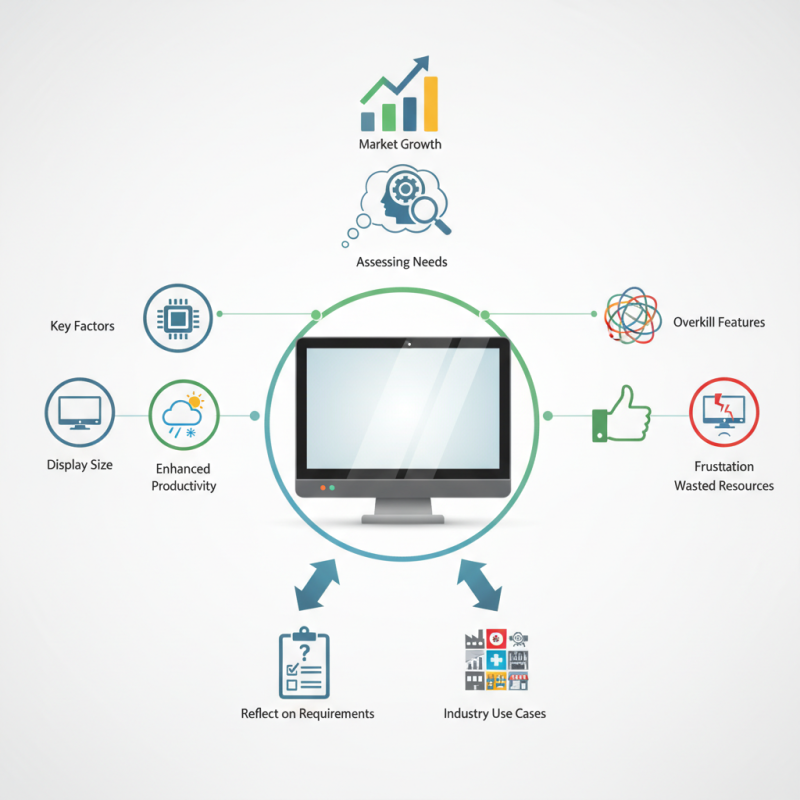
Industry expert James Roberts notes, "A panel PC must fit seamlessly into the workflow for maximum efficiency." His insights highlight the importance of aligning technical specifications with specific use cases. Many users struggle to assess their actual needs. Overkill on features can lead to wasted resources and less user satisfaction.
When selecting a panel PC, consider factors like display size, processing power, and environmental adaptability. A robust device can significantly enhance productivity. However, a poorly chosen panel PC creates frustration. Reflect on your requirements before making a decision. Take the time to understand both your needs and the options available.
Understanding Panel PC: Definition and Key Features
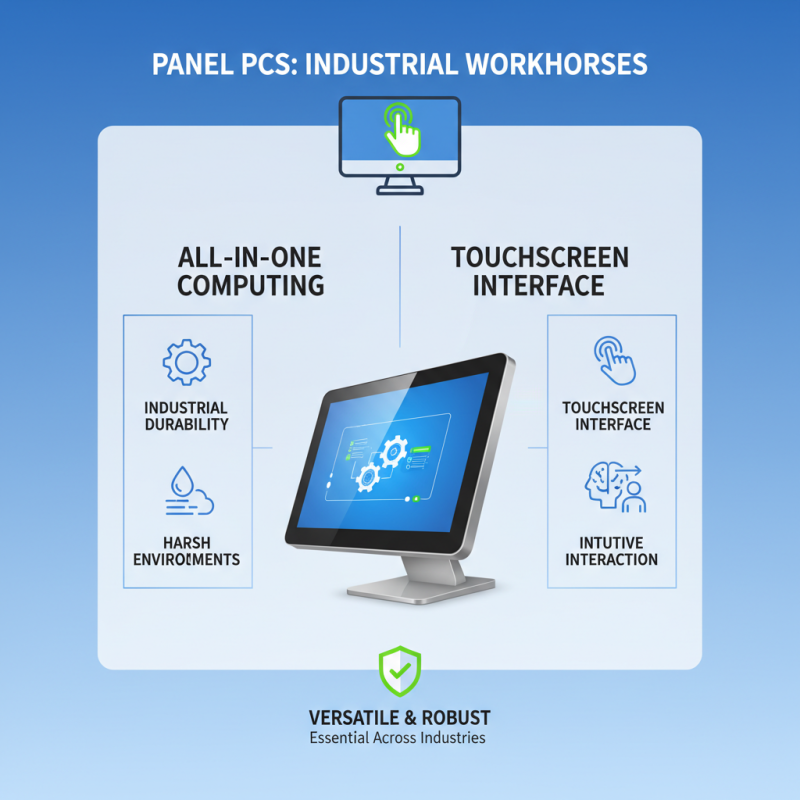
Panel PCs have become essential in various industries. They are versatile devices that combine a computer with a display. Understanding a panel PC's definition is key to making the right choice. Generally, they feature touchscreens, which make user interaction easy and intuitive. Some models are built to withstand harsh environments. That can be crucial for industrial applications.
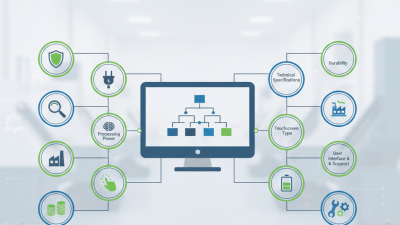
Key features of a panel PC to consider include processing power, screen size, and connectivity options. A powerful processor can handle demanding applications. A larger screen may enhance productivity. However, larger screens can also take up more space. Keep in mind what fits your workspace best.
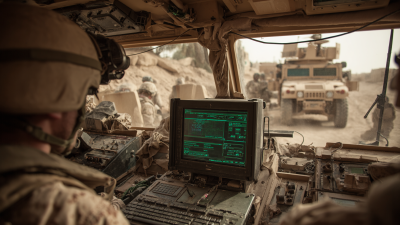
Also, not all panel PCs are created equal. Some might lack specific features you need. Check for waterproofing if you're in a wet environment. Be mindful of the operating system as well. Some models may not support the software you require. Reflecting on these details can lead to a better decision.
Assessing Your Requirements: Use Cases and Environment
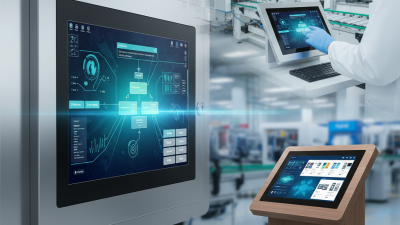
When choosing a panel PC, assessing your requirements is crucial. Consider the environment where it will be used. Will it be in a factory, a retail space, or an office? Each setting has distinct needs. In a factory, for instance, dust and moisture resistance may be vital. Meanwhile, an office may prioritize aesthetic design.
Use cases also play a significant role. Think about how you plan to use the panel PC. For process control, you might need a touchscreen with high responsiveness. In contrast, for data analysis, a larger display could be necessary. Don’t forget about performance specifications. You may require more processing power if multitasking is common.
It’s easy to overlook details. For example, the mounting options can be tricky. Some environments may require wall mounting, while others need a stand. Additionally, how will updates and maintenance be handled? Consider these factors now, rather than during installation. Reassessing your needs periodically can save time down the road. Your needs may evolve. Don't let this surprise you later.
Evaluating Hardware Specifications: Processor, RAM, and Storage
When evaluating hardware specifications for a panel PC, processor, RAM, and storage are key components. A powerful processor enhances performance. Look for multi-core options for better multitasking. Dual-core might suffice for simple tasks, but more cores are better for demanding applications.
RAM is essential for smooth operation. A minimum of 4GB is often recommended. However, 8GB or more can significantly improve speed and responsiveness, especially with multiple applications running. The amount of RAM should match your expected workload.
Storage choices can affect performance. Solid-state drives (SSDs) are faster and more reliable than traditional hard drives. Consider the size you need. Larger storage means more files and applications.
Tip: Assess your typical use cases before making a decision. Think about what tasks you perform regularly. This can guide your hardware choices effectively.
Tip: Regularly review system performance. If you notice slowdowns, it may be time to upgrade. Addressing issues early can prevent bigger problems down the road.
In the end, weighing these factors will help you select a panel PC tailored for your activities. Just remember that your needs may evolve. Regular reflection on performance is beneficial.
Exploring Touchscreen Options: Projected Capacitive vs. Resistive
Choosing the right touchscreen technology is essential for a panel PC. Two primary options are projected capacitive and resistive touchscreens. Each has distinct features that cater to different user needs.
Projected capacitive touchscreens are highly responsive. They allow for multi-touch gestures, making them ideal for interactive applications. Users often appreciate their clarity and sensitivity. However, they may not work well with gloved hands or stylus pens. This limits their usability in certain environments.
On the other hand, resistive touchscreens are more versatile. They respond to pressure, meaning they can be used with fingers, gloves, or styluses. This makes them suitable for industrial settings. However, their responsiveness can sometimes lag behind capacitive screens. This can frustrate users who expect quick reactions. In conclusion, understanding your specific needs will guide your choice. Consider the environment and how you'll use the panel PC.
Budget Considerations: Balancing Cost with Functionality
When selecting a panel PC, budget considerations play a crucial role. You need to find a balance between cost and functionality. A lower price might mean fewer features. However, it doesn't always mean lower quality. Some budget models can handle basic tasks well.
Think about what you need the panel PC for. If it's for simple applications, a cheaper option might suffice. On the other hand, heavy applications demand better specifications. Investing a little more can pay off in efficiency and durability. A less costly model may require upgrades sooner than expected.
Sometimes, it's easy to get swayed by flashy features. Yet, many of them may not be necessary. Which features are essential for your use? Evaluate your needs thoroughly. It’s worth reflecting on whether you actually need every capability. Avoid impulse decisions; focus on long-term value over initial savings.
Cost vs Functionality of Panel PCs