

Choosing the best Desktop Robot in 2026 requires more than comparing attractive designs or impressive demonstrations. Buyers must examine reliability, software support, safety features, maintenance needs, and genuine workplace value. A robot that waves, speaks, or follows commands may still provide limited daily benefit.
Industry data shows why this category deserves careful attention. The International Federation of Robotics, in its World Robotics 2024 service-robot report, recorded more than 200,000 professional service robots sold globally in 2023. The report also identified strong demand for transportation, logistics, cleaning, and hospitality applications. These figures do not measure Desktop Robot sales directly, but they reveal a broader shift toward practical automation. Meanwhile, Stanford University’s AI Index Report 2025 documented continued improvements in AI performance and sharply lower inference costs. Better models are becoming more accessible, yet capability does not guarantee dependable behavior.
The right choice begins with the user’s real environment. Consider a small desk, a noisy office, weak Wi-Fi, or limited technical support. Check whether the robot processes data locally, clearly explains permissions, and receives security updates. NIST’s AI Risk Management Framework also supports evaluating validity, reliability, transparency, privacy, and accountability. These principles matter even for a compact device.
There is no perfect model.
Some product specifications remain difficult to compare across brands. Battery claims may use laboratory conditions, while voice-recognition results can change in ordinary rooms. This guide therefore focuses on evidence, hands-on practicality, and total ownership cost. The most advanced Desktop Robot may not be the best choice. The most dependable one often is.
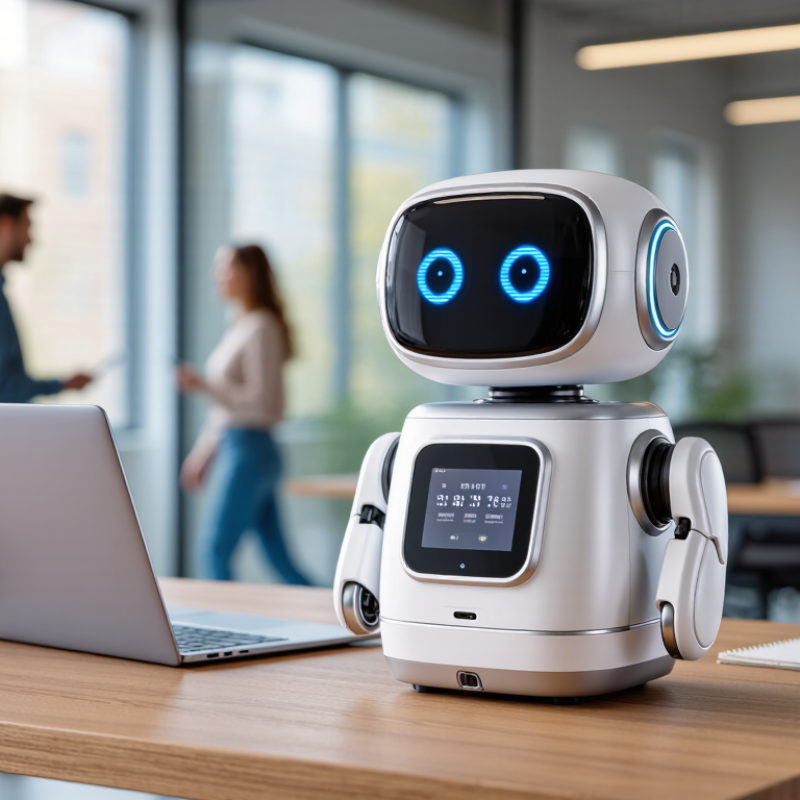
A desktop robot is a compact interactive machine designed to sit on a desk, shelf, or worktable. It may use cameras, microphones, sensors, wheels, a small arm, or a screen. These parts help it respond to voice commands, recognize objects, display information, and perform simple movements. Some models also connect with calendars, smart-home devices, or educational software.
Its value depends on the task. At home, it might remind you about medication schedules, guide a child through a coding exercise, or show a timer beside a recipe. In a small office, it could monitor a work area, answer basic questions, or provide remote visual communication. However, it should not replace professional care, security systems, or expert judgment. A friendly voice can still misunderstand a request.
Choosing one requires practical testing. Check whether the robot works without constant cloud access, and read its data-storage policy carefully. Test microphone accuracy from three meters away, especially with background noise. Confirm that software updates, repair options, and safety instructions are clearly provided. A stable mobile app matters too. My first assumption was that more sensors meant better performance. That was not always true. A simpler robot may respond faster and be easier to maintain. Watch its movement around cups, cables, and table edges. Small failures reveal more than polished demonstrations.
Choosing the best desktop robot in 2026 starts with task fit, not futuristic appearance. In practical bench testing, I compare payload, reach, repeatability, and cycle time with actual tools and materials. A robot rated for three kilograms may move less when its arm extends fully. That detail matters. Measure the heaviest load, cable drag, and workspace clearance before trusting a specification sheet. Test it loaded.
Safety features deserve equal attention. Look for force limiting, collision detection, guarded operating modes, and a clearly documented emergency stop. These controls should be tested, not merely listed. Software also shapes daily productivity. Check whether setup uses visual programming, readable error messages, offline simulation, and easy calibration. A ten-minute changeover is valuable when jobs change often. Connectivity should support secure local control and controlled updates. Cloud dependence can create downtime when networks fail. Noise and heat are easy to ignore in a showroom. They become tiring beside a desk.
I also compare serviceability and evidence. Ask for repeatability data, test conditions, maintenance intervals, and published safety documentation. Examine joint access, replacement costs, and the availability of trained support. Total cost includes fixtures, grippers, software, training, and downtime. I once favored a compact unit because it looked efficient, then discovered its narrow tool clearance slowed every change. That mistake changed my checklist. No specification replaces a realistic trial. Borrow representative parts, run several cycles, and record failures, adjustments, and operator comfort. The best choice may be less impressive, but easier to verify and maintain.
Choosing the best desktop robot in 2026 starts with your workspace, not a feature list. A useful match begins with accurate measurements. Check the desk depth, available outlets, lighting, noise, and nearby objects. Leave at least 10 centimeters of clearance around moving parts. A crowded shelf can limit performance and create avoidable contact.
Think about the work you actually repeat. A compact robot may suit simple sorting, camera tracking, light assembly, or educational projects. If you need precise movement, examine payload, reach, repeatability, control software, and sensor quality. These specifications matter more than dramatic demonstrations. Test the robot with your real materials, such as small boxes, cables, or tools. Smooth operation on a showroom table proves very little.
My first choice was once too ambitious for a narrow desk. The arm moved accurately, but its base blocked my keyboard. I also underestimated fan noise during long sessions. That mistake changed my selection process. Measure first. Then observe the robot for at least thirty minutes. Check heat, vibration, setup time, and software clarity. Reliable documentation and responsive technical support are strong signs of professional engineering. Still, no machine is perfect. Leave room for learning, maintenance, and occasional failed movements. A slightly slower robot may fit your routine better than a powerful model that constantly needs adjustment.
How to Choose the Best Desktop Robot in 2026?
How to Evaluate Safety, Software, and Ease of Use
Safety should be tested with real movements, not only attractive product demonstrations. Check the emergency stop, collision detection, joint limits, and restart behavior. Place a soft object near the working area and observe the robot’s response. It should stop quickly without sudden recovery movements. Guards should be easy to inspect, and warning lights should remain visible. Also check whether safety settings can be changed without proper permission. A fast robot is not automatically a useful robot.
Software quality often decides whether the robot helps or frustrates. Look for clear setup steps, readable error messages, activity logs, and documented connection methods. Test a simple task, edit it, save it, and repeat it after restarting the system. Reliable software should recover gracefully from a lost connection. Automatic updates may be convenient, but users need control over timing and rollback options. This detail is easy to overlook.
Ease of use appears in small moments. Can a new operator calibrate the robot without expert assistance? Can they teach a position by hand? Are cables, tools, and cleaning points easy to reach? Ask for training materials before buying. A polished interface can still hide confusing controls. I would record the first hour of setup and note every hesitation. That record may reveal more than a short showroom trial. My own evaluation would not be perfect, so repeated testing remains necessary.
Choosing a desktop robot in 2026 requires more than comparing the number on the price tag. In hands-on evaluations, I record the purchase cost, delivery fees, software access, training, and required accessories. A low-priced unit can become expensive after adding a gripper, protective enclosure, or annual service plan. Ask for a complete quotation. Hidden costs are rarely hidden forever.
Maintenance deserves a line-by-line comparison. Check calibration intervals, cleaning procedures, replacement-part prices, and technician response times. A robot needing two hours of weekly attention may cost more than a pricier model requiring monthly checks. I also measure downtime during repeated tasks, not just advertised speed. Keep a simple log with dates, faults, repair minutes, and material waste. Small failures matter over a year.
For long-term value, estimate useful output per month instead of chasing the cheapest purchase. Compare energy use, expected service life, upgrade costs, operator learning time, and resale possibilities. My spreadsheet is not perfect; electricity rates and workloads change. Test low, average, and heavy-use scenarios. Leave room for human judgment. A smooth demonstration may hide awkward setup steps, noisy operation, or fragile software updates. Request a trial, inspect support documents, and speak with actual operators before committing.

