How to Choose the Best Rugged Touch Panel PC for Your Business Needs
In today's fast-paced and demanding business environment, the selection of the right technology tools is crucial for operational efficiency and productivity. Among these tools, a rugged touch panel PC stands out as an essential device, particularly for industries that require durability and reliability in harsh conditions. Whether it's for manufacturing, logistics, healthcare, or fieldwork, a rugged touch panel PC offers the resilience needed to withstand extreme temperatures, moisture, dust, and physical impacts, ensuring that your operations run smoothly in any setting.
Choosing the best rugged touch panel PC for your specific business needs involves careful consideration of several key factors. These factors include performance specifications, screen size, touch sensitivity, and connectivity options, all of which contribute to the overall functionality and user experience of the device. Additionally, understanding how to integrate these panel PCs into existing workflows can help maximize their potential, thereby improving efficiency and reducing downtime.
This guide aims to provide valuable insights on how to identify the most suitable rugged touch panel PC tailored to your business objectives, ensuring you make an informed investment that supports your operational demands for years to come.
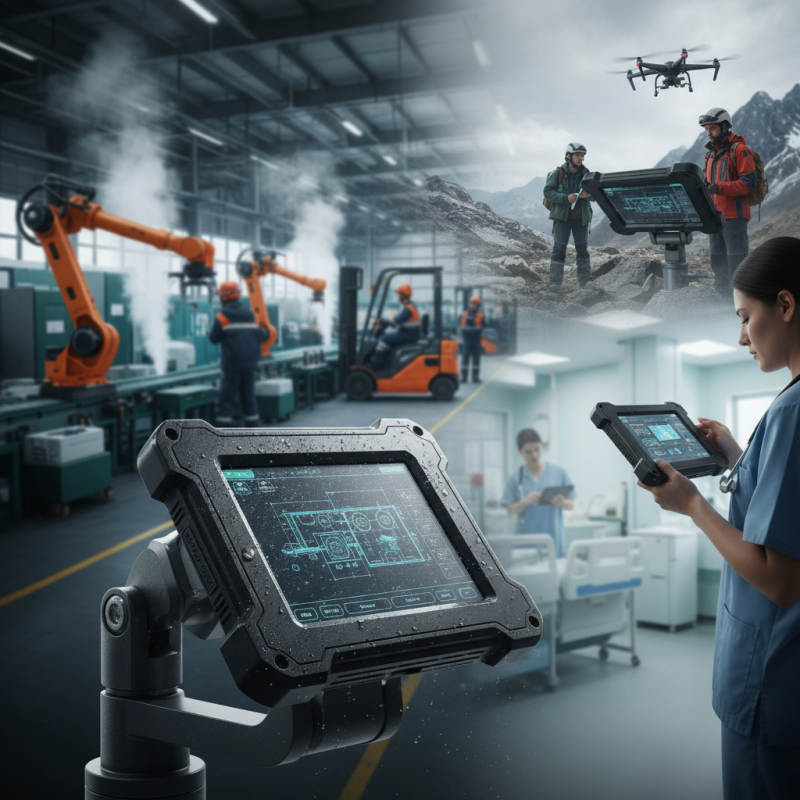
Defining Rugged Touch Panel PC and Its Importance for Business
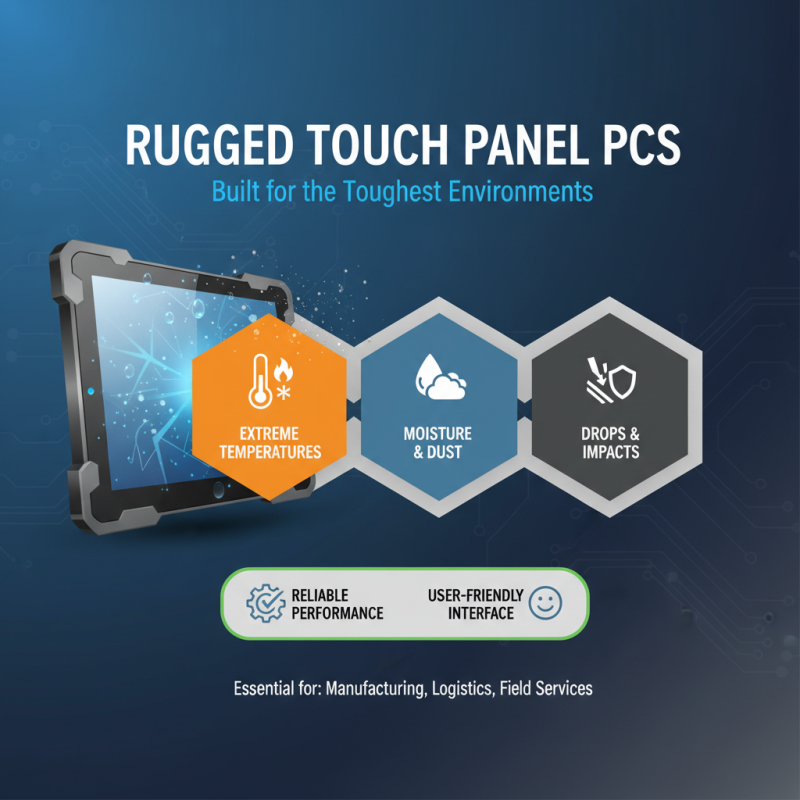
Rugged touch panel PCs have become an essential tool for various business environments, particularly those that require enhanced durability and functionality under challenging conditions. These devices are designed to withstand harsh elements such as extreme temperatures, moisture, dust, and accidental drops, making them ideal for industries like manufacturing, logistics, and outdoor applications. The importance of a rugged touch panel PC lies in its ability to provide reliable performance while ensuring a user-friendly interface. The combination of durability and intuitive touch technology allows employees to operate effectively without the constant worry of damaging their equipment.
Moreover, the importance of rugged touch panel PCs extends to their contribution to operational efficiency. In settings where traditional computers may fail, rugged devices maintain productivity by providing continuous access to critical applications and data. This reliability not only facilitates accurate data entry and operational oversight but also enhances overall safety in demanding environments. With the right rugged touch panel PC, businesses can reduce downtime, minimize repair costs, and empower their workforce to perform tasks seamlessly, ultimately leading to improved service delivery and client satisfaction.
Key Features to Consider When Selecting a Rugged Touch Panel PC
When selecting a rugged touch panel PC for your business needs, understanding the key features is essential for ensuring optimal performance in demanding environments. One important feature to consider is the display quality. According to a report by MarketsandMarkets, the global rugged tablet market is projected to reach $1.9 billion by 2025, largely driven by the need for high visibility in outdoor settings. A display that provides excellent sunlight readability and can withstand extreme temperatures is crucial for field operations, where conditions can change rapidly.
Another critical factor is the device's durability and resistance to environmental factors. Rugged touch panel PCs should comply with industry standards such as IP65 or IP67 for ingress protection against dust and water. Additionally, the MIL-STD-810 rating can indicate resistance to shocks and vibrations. Research indicates that enterprises utilizing rugged devices experience up to 30% lower repair costs compared to traditional models, as these devices are designed to endure harsh conditions. Evaluating these features will ensure that the rugged touch panel PC you choose will not only meet your specific business requirements but also enhance overall operational efficiency and longevity in the field.
Assessing the Operating Environment for Optimal Performance
Assessing the operating environment is crucial when choosing the best rugged touch panel PC for your business. Various habitats can significantly affect a device’s performance, making it essential to evaluate factors like temperature, humidity, and exposure to dust or fluids. According to research from VDC Research, approximately 40% of businesses that deploy rugged devices experience environmental challenges that could lead to decreased performance or device failures. Hence, it’s vital to investigate whether the touch panel PC can withstand extreme conditions such as high temperatures (often measured at -20°C to 60°C for many rugged devices) and resist water and dust ingress, typically ranked by IP ratings such as IP65 or IP67.
Additionally, understanding the mobility and usage scenarios is fundamental. In sectors like manufacturing and logistics, the rugged PC often faces not only physical threats but also the operational demands of fast-paced environments. A recent study revealed that over 60% of companies in these sectors reported improved efficiency when utilizing rugged technology designed specifically for harsh conditions. The ergonomic design and touch capability are just as important, facilitating ease of use in challenging environments. Ultimately, the right rugged touch panel PC will not only endure adverse conditions but also enhance productivity and streamline operations in demanding industry settings.
Performance Comparison of Rugged Touch Panel PCs in Various Operating Environments
Comparison of Popular Rugged Touch Panel PC Brands
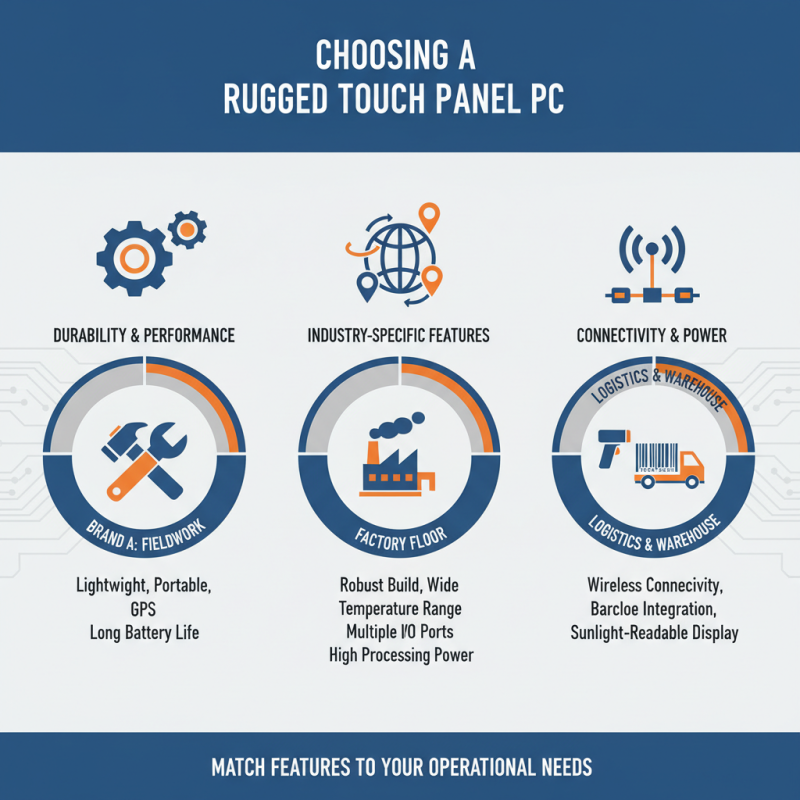
When selecting a rugged touch panel PC for your business, it's essential to consider various brands that specialize in durability and performance. Different brands offer unique features tailored to specific industries, such as construction, manufacturing, and logistics. Some brands focus on lightweight designs and enhanced portability, making them ideal for fieldwork. Others may prioritize extensive connectivity options and robust performance for use in factory settings. Evaluating these features based on your operational needs can help narrow down the best options.
Additionally, assessing the support and warranty services provided by these brands is crucial. Companies that offer comprehensive customer support and extended warranties demonstrate confidence in their products' durability, which can provide peace of mind for businesses investing in rugged technology. Moreover, consider the availability of accessories and customization options that can enhance the functionality of the touch panel PCs in your particular workflow. By comparing these aspects across popular brands, businesses can make an informed choice that aligns with their specific requirements while ensuring reliability and efficiency in challenging environments.
Evaluating Cost versus Benefits for Your Business Needs
When evaluating the cost versus benefits of rugged touch panel PCs for your business needs, it's essential to consider not just the initial investment, but the long-term value these devices can bring. A report from the International Data Corporation (IDC) highlights that rugged devices can reduce downtime by up to 50% and extend lifecycles far beyond traditional PCs, making them a financially sound choice for industries such as manufacturing and logistics. The initial expense may be higher, but the durability and reliability of robust devices translate to significant savings over time.
Additionally, businesses must assess the total cost of ownership (TCO), which includes maintenance, repairs, and replacement costs. According to a study by VDC Research, companies using rugged devices report savings of 5-10% on operational costs linked to maintenance and support when compared to non-rugged alternatives. This reduction in TCO, combined with improved productivity due to less downtime and enhanced operational efficiency, allows businesses to achieve a quicker return on investment (ROI). By carefully evaluating these factors, organizations can ensure they're making a choice that aligns with their long-term business strategic goals.
How to Choose the Best Rugged Touch Panel PC for Your Business Needs - Evaluating Cost versus Benefits for Your Business Needs
| Feature |
Description |
Cost Estimate ($) |
Benefits |
| Durability Rating |
IP65/Rugged Design for harsh environments |
1,200 |
Minimizes repair costs and downtime |
| Screen Size |
Varies from 10" to 15" touchscreen options |
300 - 600 |
Enhanced usability in different applications |
| Processor Type |
Intel i5 or i7 options |
200 - 500 |
Improved performance for multitasking |
| Battery Life |
Up to 8 hours depending on usage |
100 - 200 |
Increased productivity without frequent charging |
| Operating System |
Windows 10/11 or Android Options |
Free - 150 |
Compatibility with business applications |