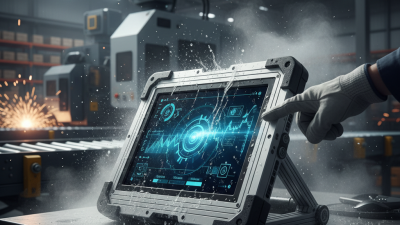
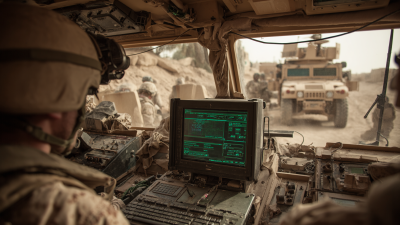
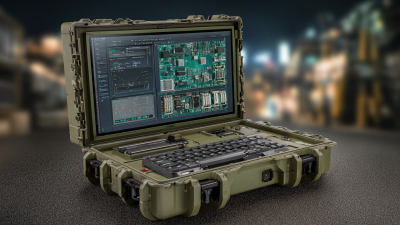
Choosing the right ruggedized computer is less about appearance and more about surviving the exact environment. A dusty construction site, vibrating vehicle, frozen warehouse, or rain-soaked inspection route creates different risks. Product labels can sound impressive. Field conditions are less forgiving.
David Angell, a rugged-computing specialist at Dell Technologies, describes the design principle clearly: “Ruggedness is not a single feature; it is a system of protections working together.” That idea guides this comparison of the top ruggedized computers for harsh environments. We examine ingress protection, MIL-STD-810H testing, operating temperature, shock resistance, screen visibility, battery endurance, and repairability. Port covers matter when rain reaches the workbench. Sunlight readability matters when operators stand beside a loader at noon. A glove-friendly touchscreen matters when cold hands cannot manage tiny controls.
No model wins every mission.
The strongest computer for emergency response may not suit offshore maintenance. A fully sealed chassis can add weight. A brighter display can reduce battery life. A removable battery can improve field operations, yet it may increase thickness. These trade-offs deserve honest attention.
This guide also looks beyond laboratory ratings. We consider keyboard feel, mounting options, wireless stability, warranty support, and long-term availability. Those details often decide whether equipment remains useful after the first year. Some specifications still leave questions unanswered. Real users should verify them under actual working conditions. A careful buyer should challenge every bold claim before choosing a ruggedized computer.
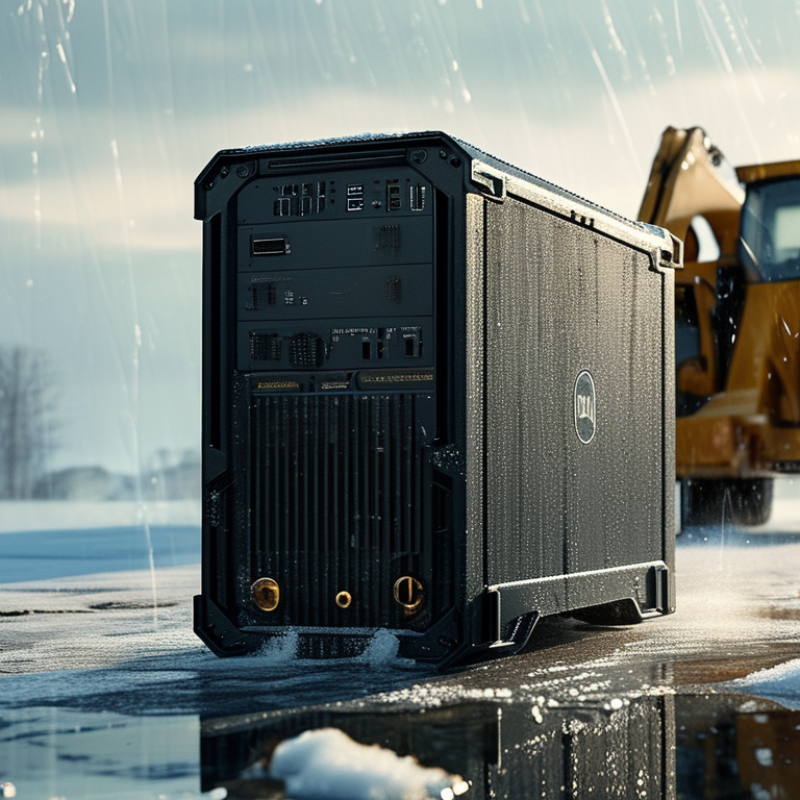
A ruggedized computer is not simply a thick laptop with a rubber edge. It is engineered for repeated shock, vibration, dust, moisture, and temperature changes. IEC 60529 defines IP ratings, where IP65 means dust-tight protection and resistance to water jets. That rating matters when a technician works beside a wet loading bay.
MIL-STD-810H provides environmental test methods for vibration, drops, humidity, altitude, and thermal stress. However, compliance depends on the exact test method and configuration. A device tested for vibration may still fail after repeated drops. Real field experience exposes this gap. Loose ports, damaged seals, and blocked cooling channels often appear before dramatic hardware failure.
Thermal design is equally important. The World Meteorological Organization reported that 2023 reached about 1.45°C above the pre-industrial average. Outdoor equipment now faces harsher heat cycles. A reliable unit should specify operating temperatures, storage temperatures, ingress protection, and drop conditions clearly. Screen readability also matters under direct sunlight. So does glove-friendly control.
Look beyond slogans.
Ruggedization is a system, not a shell. Connectors, batteries, hinges, mounting points, and service procedures must survive together. Some specifications remain vague, and buyers should question them. Independent test evidence is more useful than a dramatic product photograph.
Rugged computers become necessary where ordinary office hardware meets dust, water, vibration, or extreme temperatures. Construction sites face airborne cement particles and sudden impacts. Mining operations add metallic dust, constant vibration, and limited connectivity. Offshore platforms combine salt spray, humidity, and unstable power. A 2024 MarketsandMarkets industry report identifies industrial, transportation, and defense operations as major rugged-computing applications, reflecting these demanding conditions.
IEC 60529 defines IP6X equipment as dust-tight and IPX7 equipment as protected against temporary water immersion. Those ratings matter near drilling equipment, washdown areas, and outdoor control panels. They do not prove resistance to crushing forces or repeated vibration. The U.S. Department of Defense’s MIL-STD-810H testing framework evaluates temperature, shock, vibration, humidity, and sand or dust exposure. However, laboratory compliance is not the same as field reliability. Real sites are messier than test chambers.
Technicians should assess the actual failure risks before selecting a computer. A refrigerated warehouse may require cold-start performance and sealed connectors. A rail maintenance depot may need sunlight-readable screens and resistance to repeated shocks. An agricultural vehicle may encounter mud, pressure washing, and chemical residue. The 2023 International Data Corporation field-reliability survey found that unplanned device downtime remains a significant operational concern across mobile workforces, although rugged hardware alone cannot fix poor maintenance. That limitation deserves attention. Proper mounting, battery care, software updates, and operator training still determine whether a rugged computer survives its environment.
The chart shows practical baseline ingress-protection levels for different operating environments. The two IP digits follow IEC 60529: the first digit measures protection against solid particles, while the second measures protection against water.
Higher protection levels are generally required where computers face dust, water jets, washdown procedures, outdoor exposure, vibration, or contamination. The recommended levels are application guidelines rather than universal requirements.
Ruggedized computers are built for dust, vibration, moisture, and sudden temperature changes. Their key specifications matter more than appearance. An IP65 rating helps block dust and water jets, while IP67 adds short-term protection against immersion. Always check the test conditions, because ratings do not guarantee protection from every accident.
A reliable unit should include a wide operating temperature range, shock-resistant storage, and reinforced housing. Solid-state drives handle vibration better than mechanical drives. Bright displays, often rated above 800 nits, remain readable inside vehicles or under direct sunlight. Glove-friendly touchscreens can improve field work, though some models respond poorly to thick gloves. Ports should have sealed covers, and the battery should support a full shift without excessive weight.
Tips: Match the computer to its real workload. Measure CPU performance, memory, storage, and graphics needs before choosing. For outdoor use, test screen visibility at noon, not only indoors. Ask for vibration and drop-test documentation. A certification label alone may not reveal how the unit performs after repeated impacts. I once underestimated connector durability; dust entered through a loose cover and caused avoidable downtime. Thermal performance also deserves attention, especially when the computer runs inside a hot vehicle. More protection can mean more bulk, and that trade-off is easy to overlook.
Ruggedized computers are built for places where ordinary hardware fails. Field technicians use rugged tablets beside vibrating pumps, dusty generators, and outdoor control panels. These devices usually include sealed enclosures, reinforced corners, sunlight-readable screens, and batteries that tolerate demanding shifts. An IP rating can indicate protection from dust and water, but the exact testing conditions still matter.
Rugged laptops suit engineers who need full keyboards, removable storage, and diagnostic software at construction sites or remote energy facilities. Vehicle-mounted computers support logistics, public transport, and emergency coordination. They remain fixed inside trucks or utility vehicles, where vibration and temperature changes are constant. Embedded rugged computers fit machines, inspection systems, and industrial cabinets. Their compact designs save space, although installation quality affects long-term reliability.
For mobile inspections, a rugged tablet is often more practical than a laptop. Workers can record readings, capture images, and scan equipment labels with gloved hands. In cold warehouses, a heated battery system may prevent sudden shutdowns. In hot locations, airflow and thermal design become equally important. Dust seals can age. Port covers can loosen. Rugged does not mean indestructible.
Selecting the right type requires more than checking a military or ingress rating. Consider operating temperature, drop height, vibration levels, screen brightness, repair access, and battery replacement. Testing should reflect the real workplace, not only a laboratory checklist. A device may survive a short drop yet struggle after months of dust exposure. That gap deserves honest attention.
Selecting a ruggedized computer starts with the worksite, not the product label. MarketsandMarkets projects the rugged electronics market to reach about USD 12 billion by 2028, reflecting wider use in field operations. That growth can confuse buyers. “Rugged” is not one universal performance level.
Check the actual hazards. Dust, rain, vibration, salt exposure, and sudden temperature changes require different protections. IEC 60529 ratings explain resistance to water and particles, while MIL-STD-810H testing covers environmental methods. Neither standard guarantees every real-world result. Ask for test conditions, sample size, and failure records. Numbers without context are weak evidence. Sometimes, a lower-rated computer with better service access performs more reliably.
Compare processors, memory, storage, display brightness, ports, battery design, and operating temperature. Grand View Research’s rugged electronics analysis identifies defense, industrial, and transportation users as major demand areas, but their needs differ sharply. A warehouse terminal may value barcode connectivity and drop resistance. A remote inspection team may need sunlight readability, glove operation, and hot-swappable power. Field trials matter. Place the unit in the vehicle, expose it to dust, and test it with wet gloves. I have seen specifications look impressive until a port cover cracked in cold weather. That possibility deserves attention. Also calculate five-year ownership costs, including batteries, mounting hardware, repairs, software support, and technician time. A cheaper purchase can become the expensive mistake.